Circle Annotations
Circles are a simple way to show data on the map.
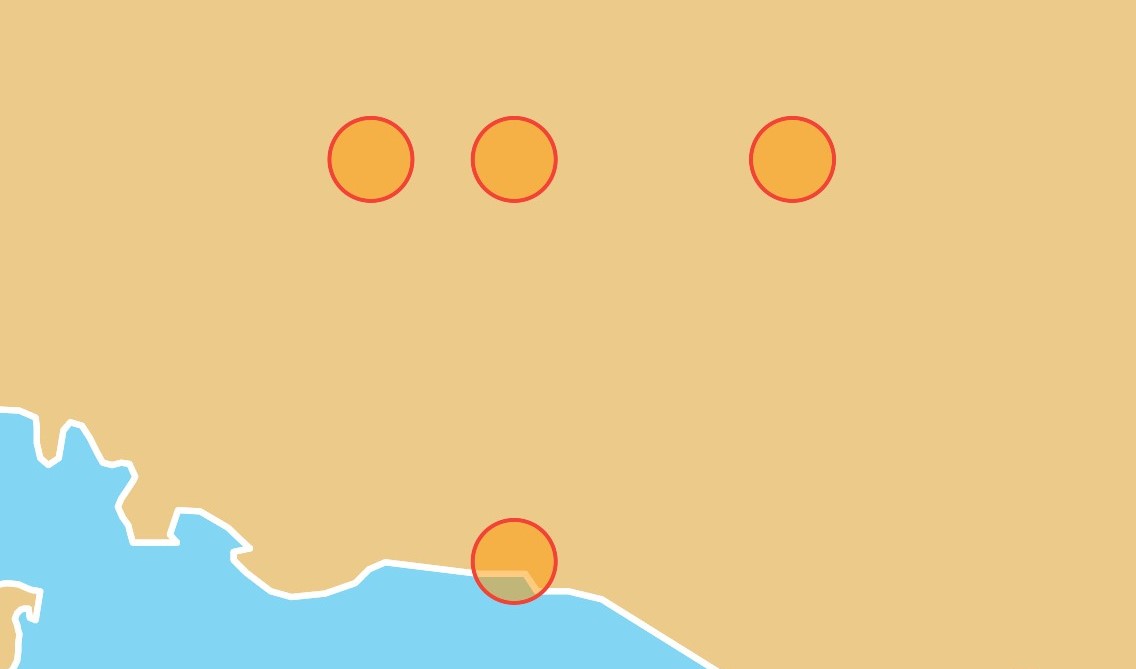
Basic Usage
Widget build(BuildContext context) {
return MapLibreMap(
options: MapOptions(center: Position(9.17, 47.68)),
layers: [
CircleAnnotationLayer(
points: <Point>[
Point(coordinates: Position(9.17, 47.68)),
Point(coordinates: Position(9.17, 48)),
Point(coordinates: Position(9, 48)),
Point(coordinates: Position(9.5, 48)),
],
color: Colors.orange.withOpacity(0.5),
radius: 20,
strokeColor: Colors.red,
strokeWidth: 2,
),
],
);
}
That's it! You can add multiple CircleAnnotationLayers with different
properties.
Update
To add, remove or alter annotation layers, just use setState() like you'd do
with Flutter widgets.
Check out the example app if you want to see how things come together.
Style & Layout
The CircleAnnotationLayer has a lot of parameters you can use for styling.
If you need more powerful customizations for your Circles, you can use the more low level CircleLayer.